30 Day Reset
Get ready for the reset
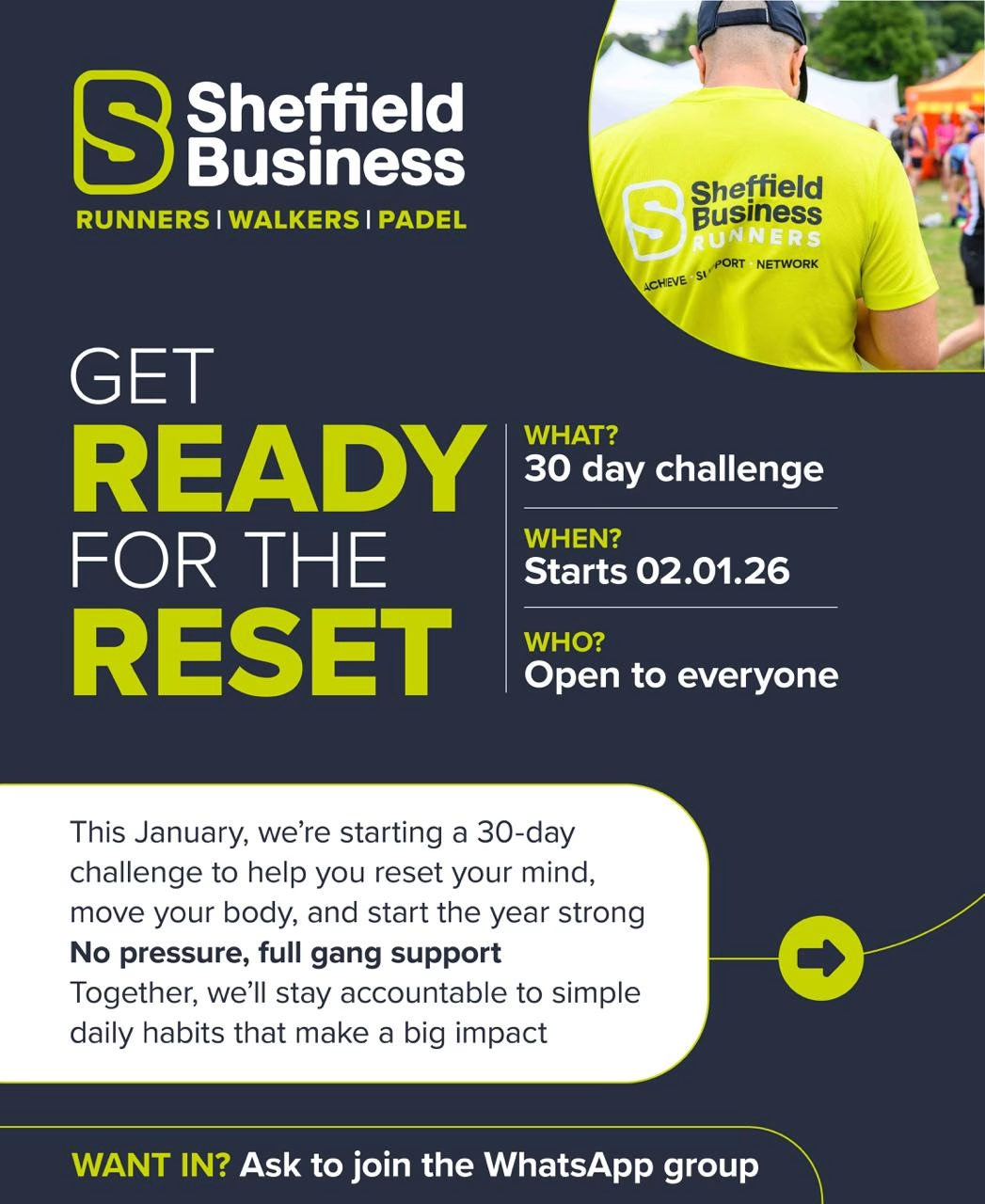
Are you ready?
Simple daily habits. Shared accountability. Stronger start to the year.
You want to feel better in your body and clearer in your head. You want structure without pressure. The 30 Day Reset gives you exactly that. A supportive group challenge focused on small actions you can stick to.
What is the 30 Day Reset?
- A 30 day group challenge starting on the 2nd January 2026
- Open to everyone, no fitness level required
- Built around realistic daily habits
- Led by the Sheffield Business Runners community
What do I need to do?
What you commit to each day
- Avoid ultra processed foods
- Drink 2 to 2.5 litres of water
- Cut back on one habit you overdo, scrolling, spending, drink, snacks, your choice
- Move your body for 60 minutes, walking, running, gym, padel, anything that suits you
- Write down 3 things you feel grateful for
Weekly focus
- Start a new hobby or learn something new
- One hour a week, your pace, your interest

Why it works

The focus stays on consistency rather than perfection, keeping everything simple and achievable so the challenge fits naturally into your routine. You stay accountable alongside others who are working towards the same goals, creating shared momentum and encouragement. Over the 30 days, you build habits that work around your job, family, and day to day life, rather than trying to force unrealistic changes.
Who it is for
- Busy professionals
- Anyone who wants a healthier routine
- Runners, walkers, padel players, or complete beginners
- People who want structure without judgement
Ready to join?
This is your starting point for the 30 Day Reset. The options below give you simple ways to get involved, connect with others, and access the tools that support you throughout the challenge. You choose what feels right for you, move at your own pace, and use as much or as little as you need to stay consistent and supported over the 30 days.
Community List
The community list gives you a simple way to add yourself and let others see the experience, skills, or interests you bring to the group. There is no obligation to be contacted and no expectation to engage beyond what feels right for you. This space exists to build visibility and connection within the group, helping you get to know one another in a relaxed way. Think of it as networking without the awkward conversations or pressure to speak to everyone in the room.
Gratitude Journal
The gratitude journal gives you a short daily pause to notice what is already good in your life, just for 30 days. It helps you slow down, reflect, and build a habit that supports a clearer mindset. There is no pressure to write perfectly or say the right thing. You simply show up each day and write what feels honest and meaningful to you.
Resources Spreadsheet
The resources spreadsheet acts as your central hub for the 30 Day Reset. It includes the daily tracker, helpful hints and tips, frequently asked questions, free books and audio content, the community list, and a handy list of movement opportunities taking place over the next 30 days. To use it fully, you will need to make your own copy as described below.
Using the resources spreadsheet on desktop computer
Open the resources spreadsheet using the link provided. Once it opens in your browser, look to the top left of the screen and click File. From the dropdown menu, select Make a copy. A small window will appear asking where to save it. Click Make a copy again and it will save to your own Google Drive. You can now edit the tracker, add notes, and use all sections freely. This version belongs to you and will not affect the original.
Using the resources spreadsheet on a mobile phone
Open the spreadsheet link using the Google Sheets app. If you do not have the app, download Google Sheets from the App Store or Google Play first. Once the spreadsheet is open, tap the three dots in the top right corner of the screen. Select Share and export, then tap Make a copy. Choose where to save it in your Google Drive and confirm. You can now open your copied version at any time and update it as you move through the 30 Day Reset.
Helpful tip
You only need to make a copy once. After that, always open your saved version from Google Drive so you can track your progress without starting again.